



Centralized Migration Info Page
Get Support for your Chapter Migration
We (Greenlight Design Studios) are excited to support your chapter’s transition to the new website platform.
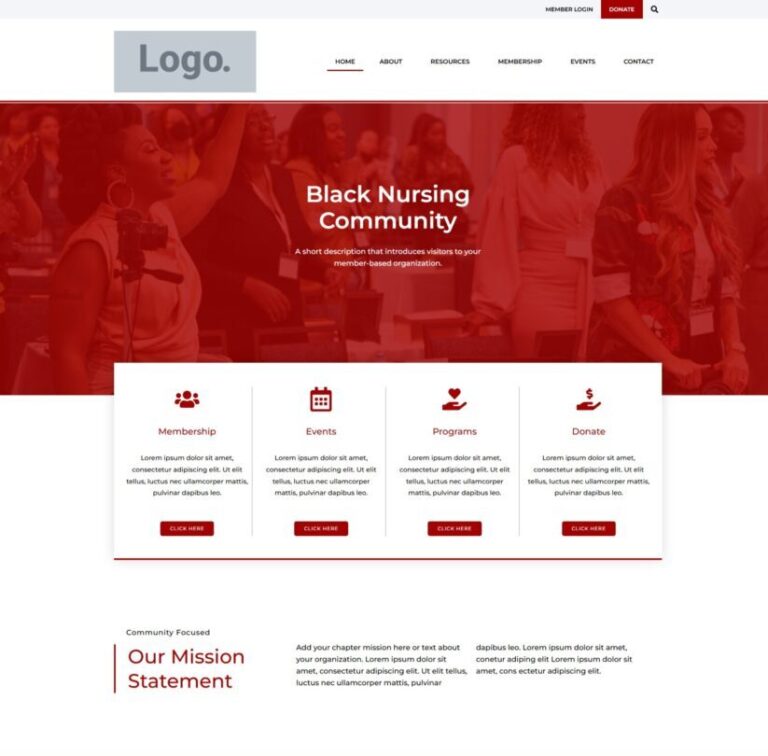
We’ve created a cohesive, centralized multisite network for NBNA. Each chapter will have its own public-facing website within this network. The goal is to provide a unified look across all chapters.
When we migrate your chapter’s website, we are placing your content into this new framework.
This page will be updated regularly by Greenlight Design Studios to help chapters stay informed about the website migration process and avoid confusion. Check it regularly for updates and FAQs.
Learn about the migration process
Step-by-step process overview
Recorded
Webinar
Recorded overview of the chapter migration. Learn the basics of the migration.
Helpful Resources
Migration Overview
Click below to learn about the migration process in a Step-by-step process overview.
Member Portal (Digital Cheetah)
All chapters will be using Digital Cheetah for their Member Portals: https://nbna.memberportal.org
Any questions related to the Members Only section hosted on Digital Cheetah, can be directed to National, specifically Nicholas Taylor at NTaylor@nbna.org
Website Editing Guide
Click below for the Guide to Editing your new website. This guide will be updated regularly. You can always find the most current guide by using the button below.
Instructional Videos
Coming Soon…
Important Updates
- 8/7/2025 – In-person Office Hours with Greenlight Design Studios at NBNA Conference | 1-5 PM
- 8/6/2025 – In-person Office Hours with Greenlight Design Studios at NBNA Conference | 1-5 PM
- 5/7/2025 Webinar with Greenlight Design Studios
FAQs
1. Is the Migration Mandatory?
We have been asked this several times. We will get clarification from National and provide the answer here.
We know this process can feel frustrating, but going through it now will make things run more smoothly in the long term and ensure the organization presents a consistent, unified presence, and that’s the goal.
2. How can I start the migration process?
Submit a ticket via Greenlight Design Studios Support Portal. Click here for instructions.
3. Can others be added as administrators?
Yes, instructions are given in the guide, however please hold off on adding any additional admins or editors until we’ve finished adding content. This will help avoid any conflicts with multiple people making changes at the same time.
Anyone can view your new live site at the link provided in the support portal. They don’t need admin access to review it.
4. Will we have an opportunity to review the new site and how it works once it is completed?
Yes, you will have the opportunity to review and give feedback.
5. Do we have to give up our website?
That’s up to your chapter. However, your public-facing site should be the new NBNA-hosted version to maintain consistency with the overall organization.
6. Does this mean we no longer have to pay for web hosting?
You will not have to pay for hosting, NBNA covers your hosting costs, however you will need to maintain ownership of your domain name if your chapter has one.
7. Are you migrating our current site to another host?
Yes. Your chapter subsite will be created within the NBNA multisite network.
We will migrate your chapter’s website, and place your content into the new framework.
Each chapter’s public-facing website will follow a standardized layout. This ensures a unified and consistent look while allowing for chapter-specific content.
8. Is an Event Tickets component included?
Please consider using Zeffy for donations and event tickets. Zeffy is a free platform designed specifically for nonprofit organizations. It also allows you to collect donations, and offer event tickets.
You can learn more about Zeffy here: https://www.zeffy.com/. If you are interested in using this platform for event tickets, you can add it directly to your events on your website.
Please Note: You can also accept donations via your chapters Digital Cheetah member portal. All transactions are processed directly through the Stripe accounts that each chapter has set up.
9. How long does migration take?
Can be as quick as 2–4 weeks from the time you submit all required content and access info. It really depends on the amount of content your chapter website has, and if your chapter provides timely responses in the support portal. It can also take several months if we don’t receive a response from your chapter.
We have a 60-Day Migration Timeline goal from start to finish.
10. What happens after the site launches?
Your chapter will have access to make content updates.
If you need any technical help, you can request help through Greenlight Design Studios support portal. We’ll also be monitoring the network and updating the platform on the backend.
Submit a Support Ticket to Greenlight Design Studios
To help keep everything organized, we use a ticket-based support portal. This ensures every chapter has a dedicated place to communicate with us.
Why this helps:
- Keep requests organized
- Avoid missing emails
- Track every step in one place
All support is managed through our Support Portal. It’s your go-to for asking questions and submitting requests. Each website is created after providing necessary information from each chapter through the support portal.

Get Started:
Your chapter webmaster (or chosen representative) should follow the instructions below:
- Go to the Support Portal https://greenlightdesignstudios.com/support-portal/
- Create an account (get verification code, check spam if necessary)
- Submit a ticket: Include your chapter name in the subject.
Once your ticket is received, your migration process begins. We’ll begin your migration in the order your ticket is received.
